
Banking
Track Your Accounts
Banking is your digital checkbook. Track personal and business accounts — checking, savings, and credit cards — all in one place. Nothing connects to your bank automatically. You enter every transaction yourself, which keeps you fully aware of your money at all times.
Account List
The Banking home screen shows all your accounts and balances at a glance.
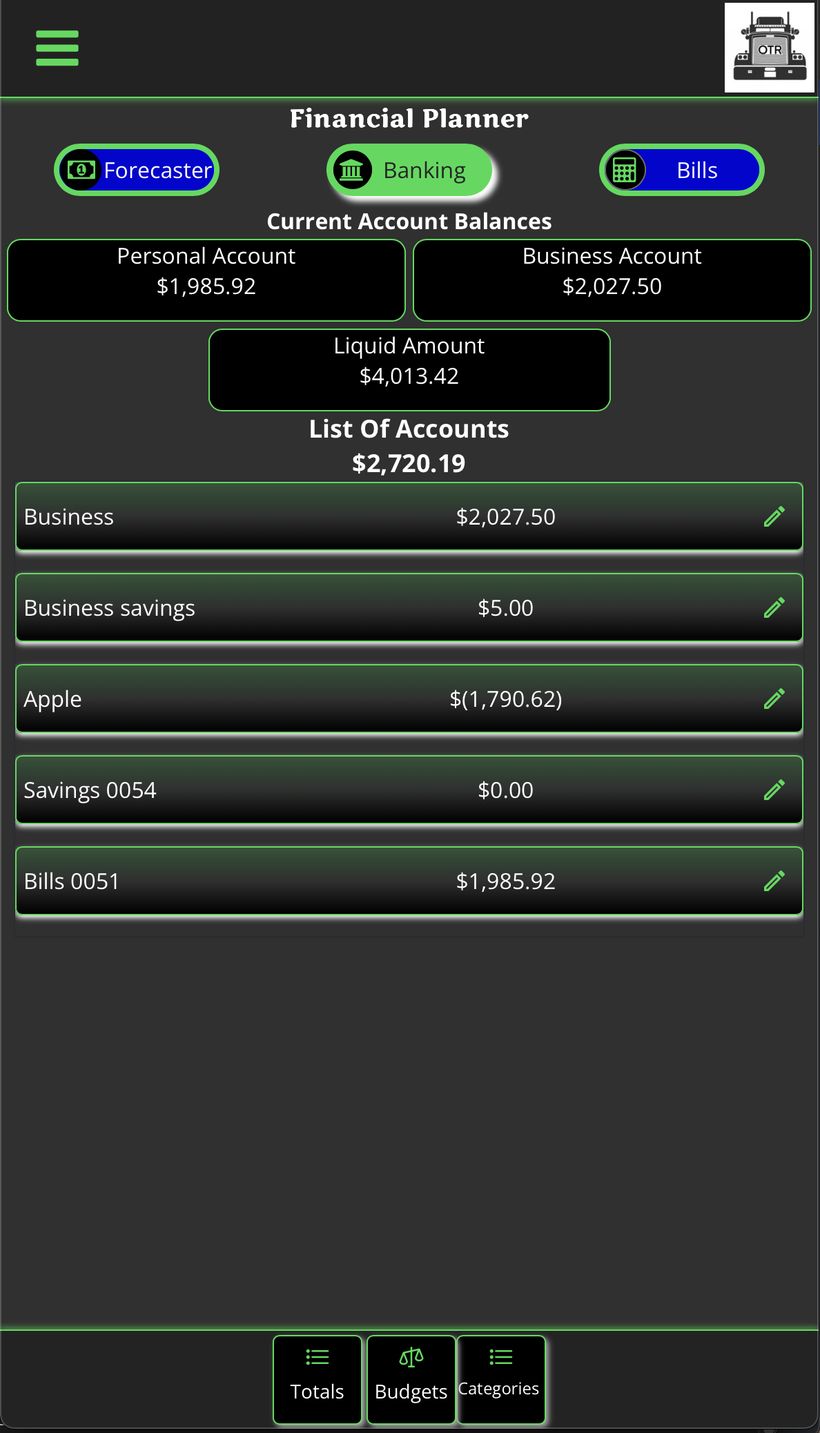
Account list — Personal, Business, and Liquid Amount totals at top
| Item | What It Shows |
|---|---|
| Personal Account | Total balance across all personal accounts |
| Business Account | Total balance across all business accounts |
| Liquid Amount | Combined total of all accounts |
| List of Accounts | Each individual account with its balance. Tap any account to open its transaction ledger. |
Entering a Transaction
Tap an account to open its ledger, then tap New Transaction.
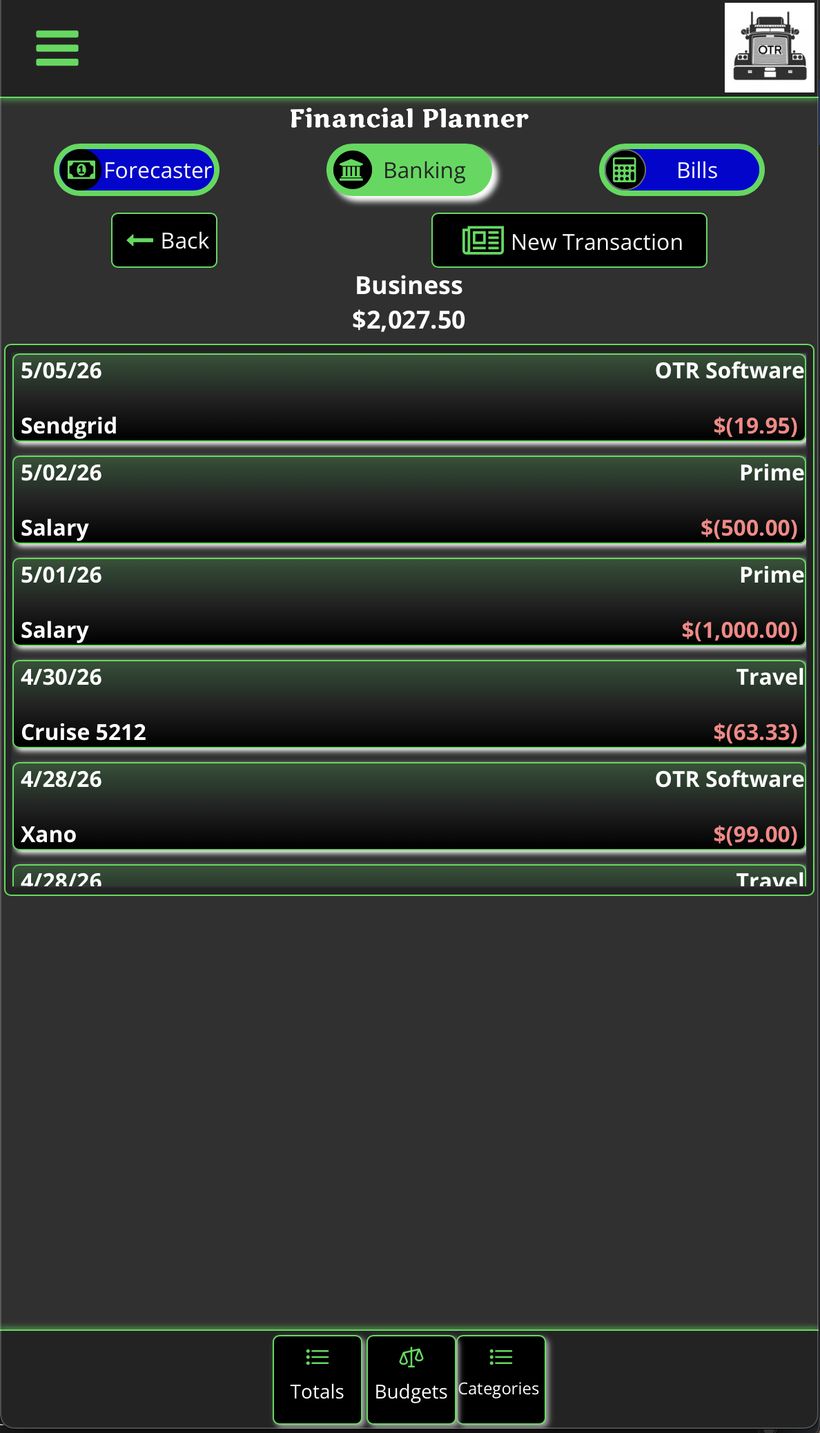
Account ledger — all transactions by date
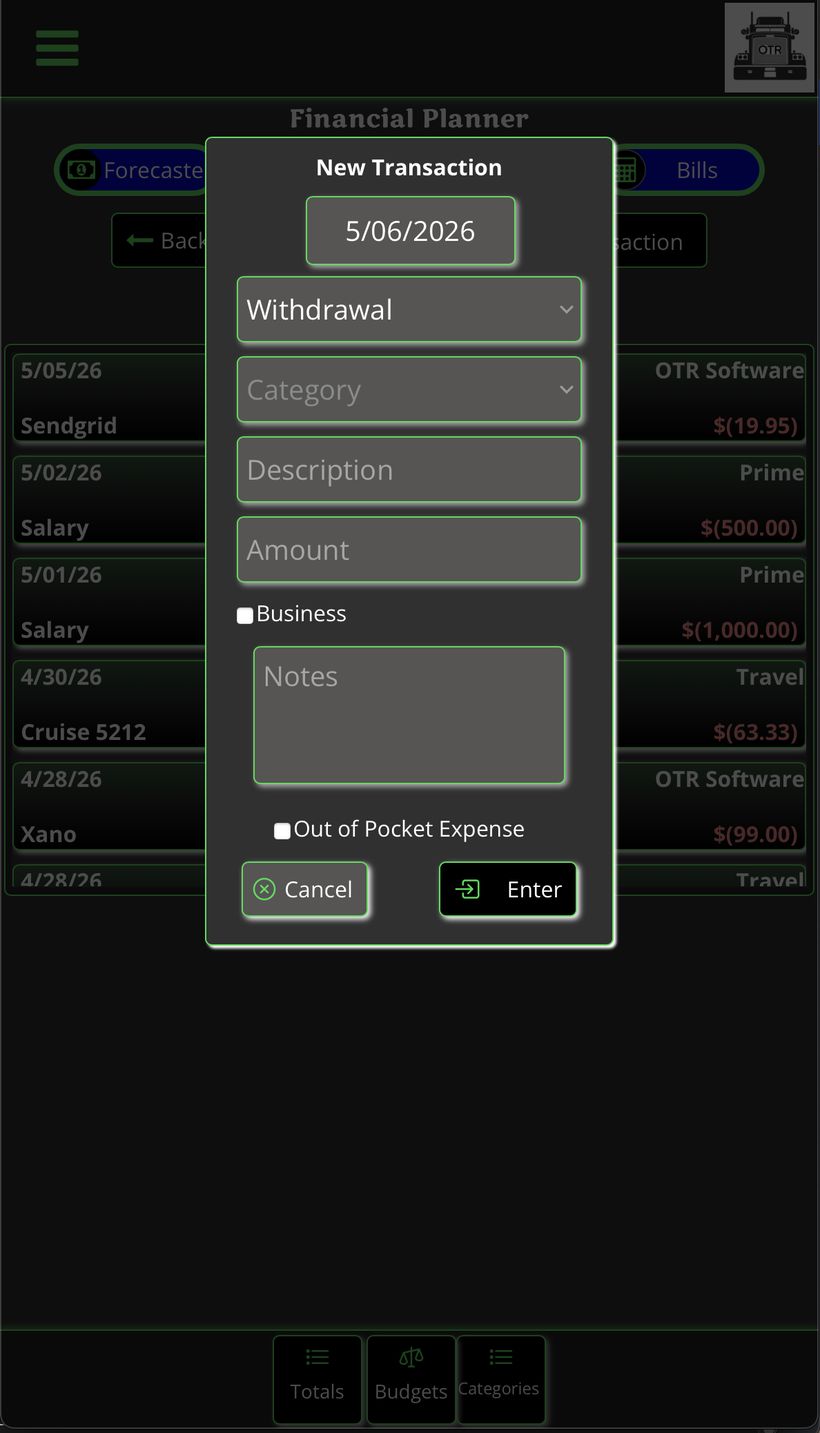
New Transaction form
| Field | What to Enter |
|---|---|
| Date | Date of the transaction (auto-fills today) |
| Type | Withdrawal, Deposit, or Transfer |
| Category | What type of expense or income this is |
| Description | Short label — e.g. "Truck payment", "Pilot fuel stop" |
| Amount | Dollar amount |
| Business | Check if this is a business transaction |
| Notes | Optional extra detail |
| Out of Pocket Expense | Check this box before tapping Enter. Once the transaction is saved, OTR automatically opens the Out of Pocket Expense entry form — pre-filled with the date, description, and amount from the transaction. All you need to do is add a photo of the receipt and tap Enter. The expense is then logged in the Out of Pocket Expenses section. No double entry. |
Editing a Transaction
Tap any existing transaction to edit or delete it. The edit form is identical to the new transaction form.
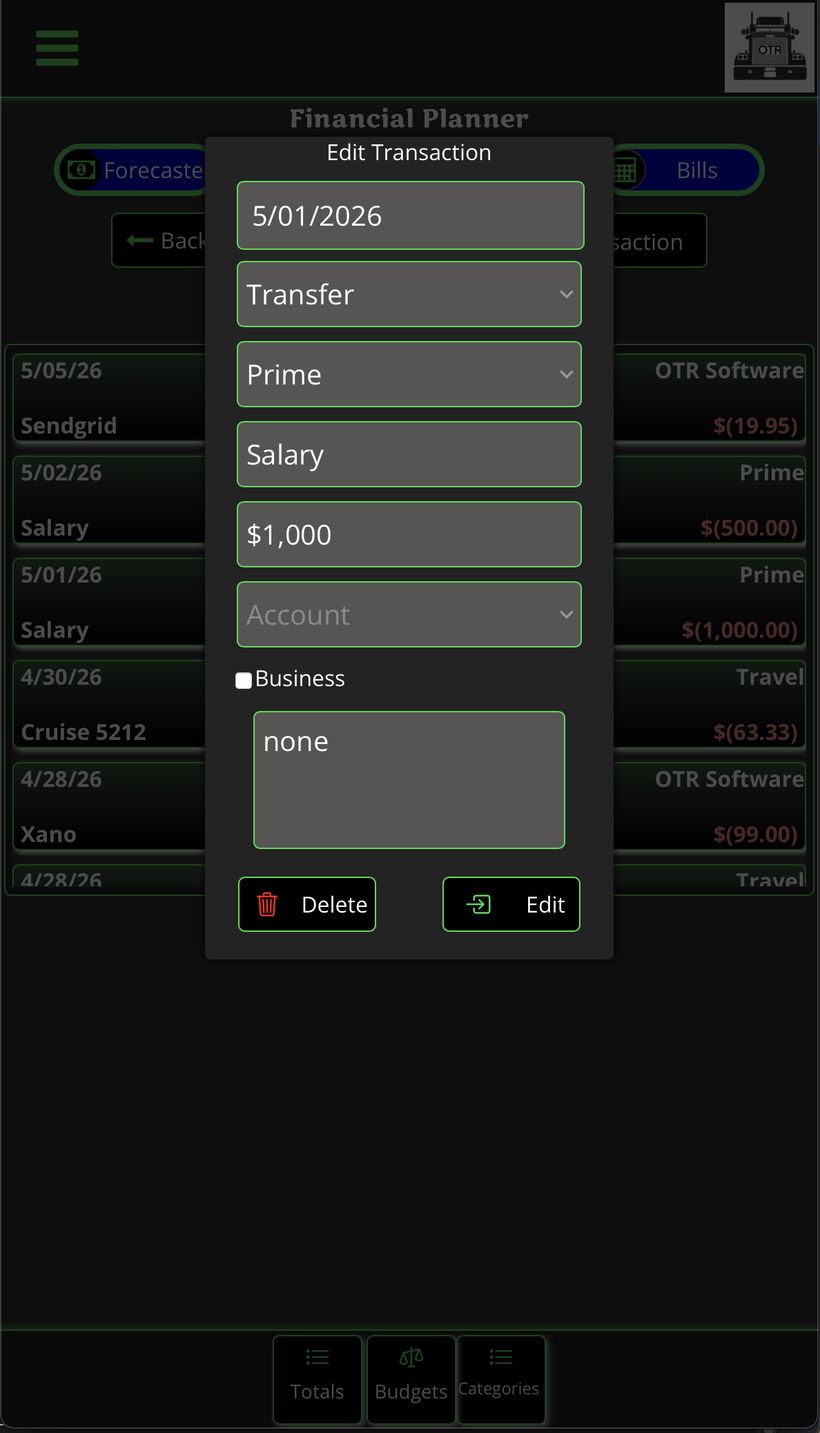
Edit Transaction — pre-filled with existing data. Delete or Edit at bottom.
Category Totals
Tap Categories in the bottom nav to see all spending by category. Toggle Month or Year, and use arrows to navigate between months. Tap any category to see every individual transaction within it.
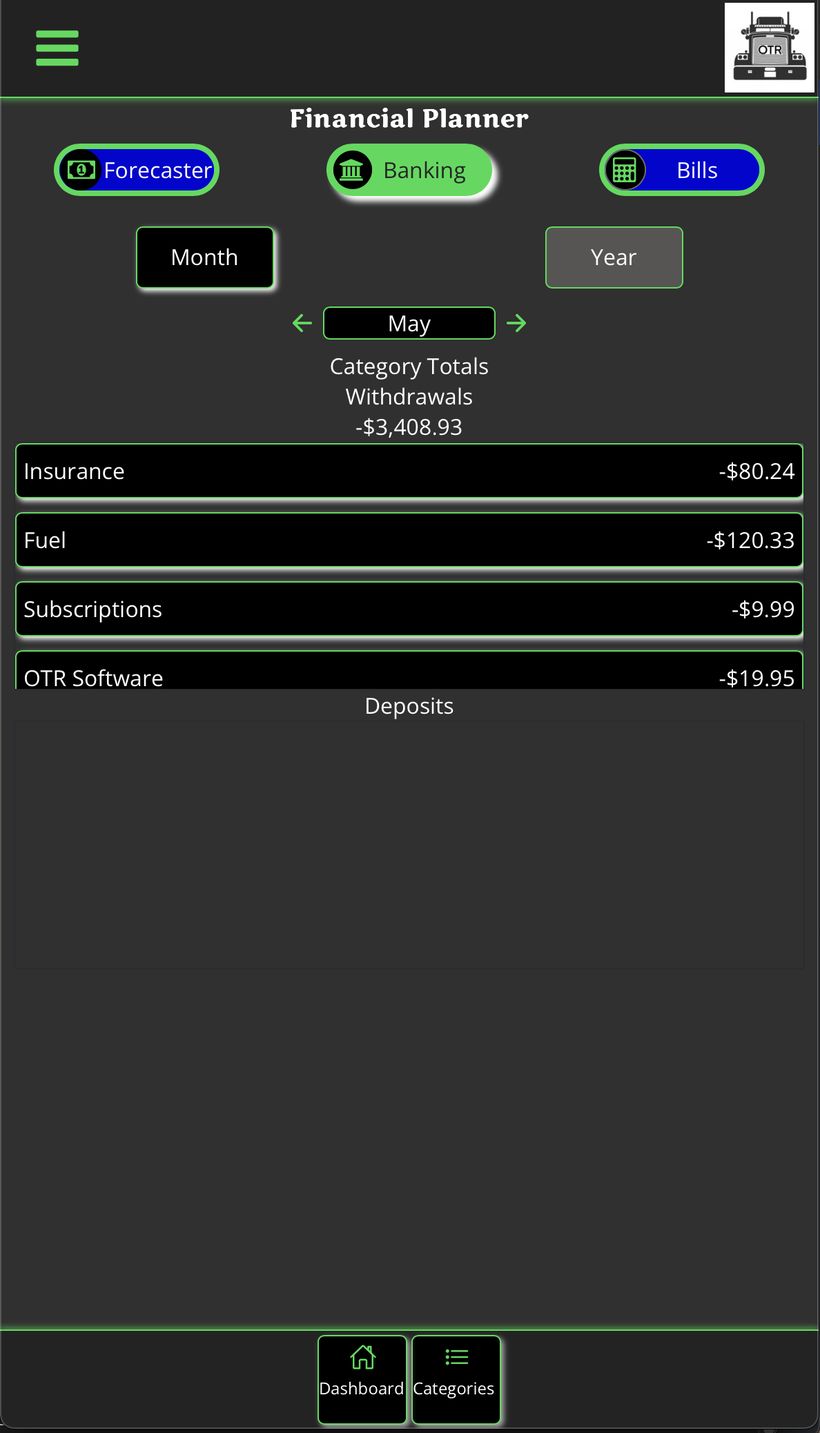
Category totals — Withdrawals and Deposits
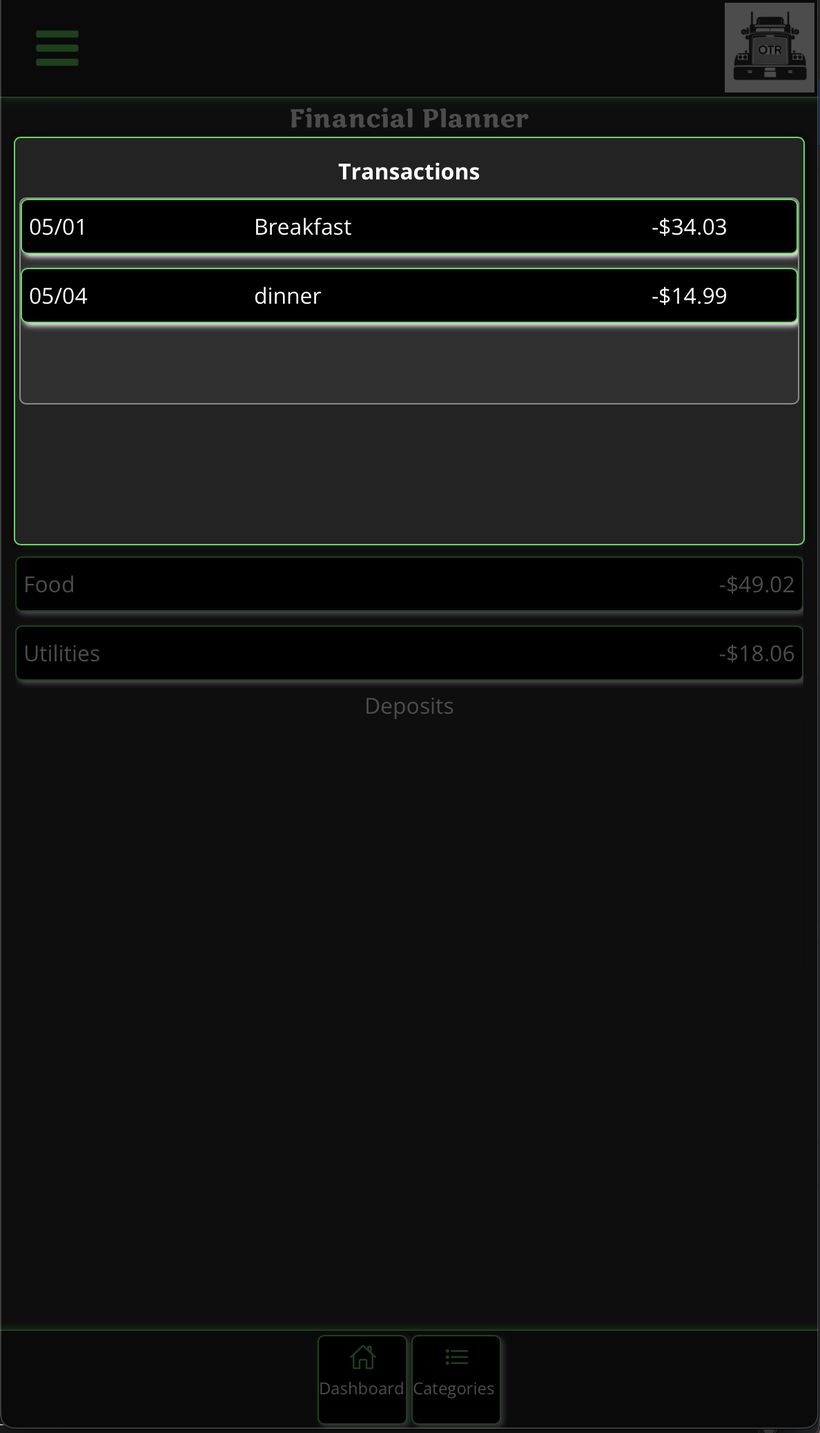
Tap a category to see individual transactions