
← All how-to guides
How-To Guide
Financial Planner — Overview
What Is the Financial Planner?
The Financial Planner is the most powerful tool in OTR. It has three sections that work together to give you a complete picture of where your money is today and where it's headed.
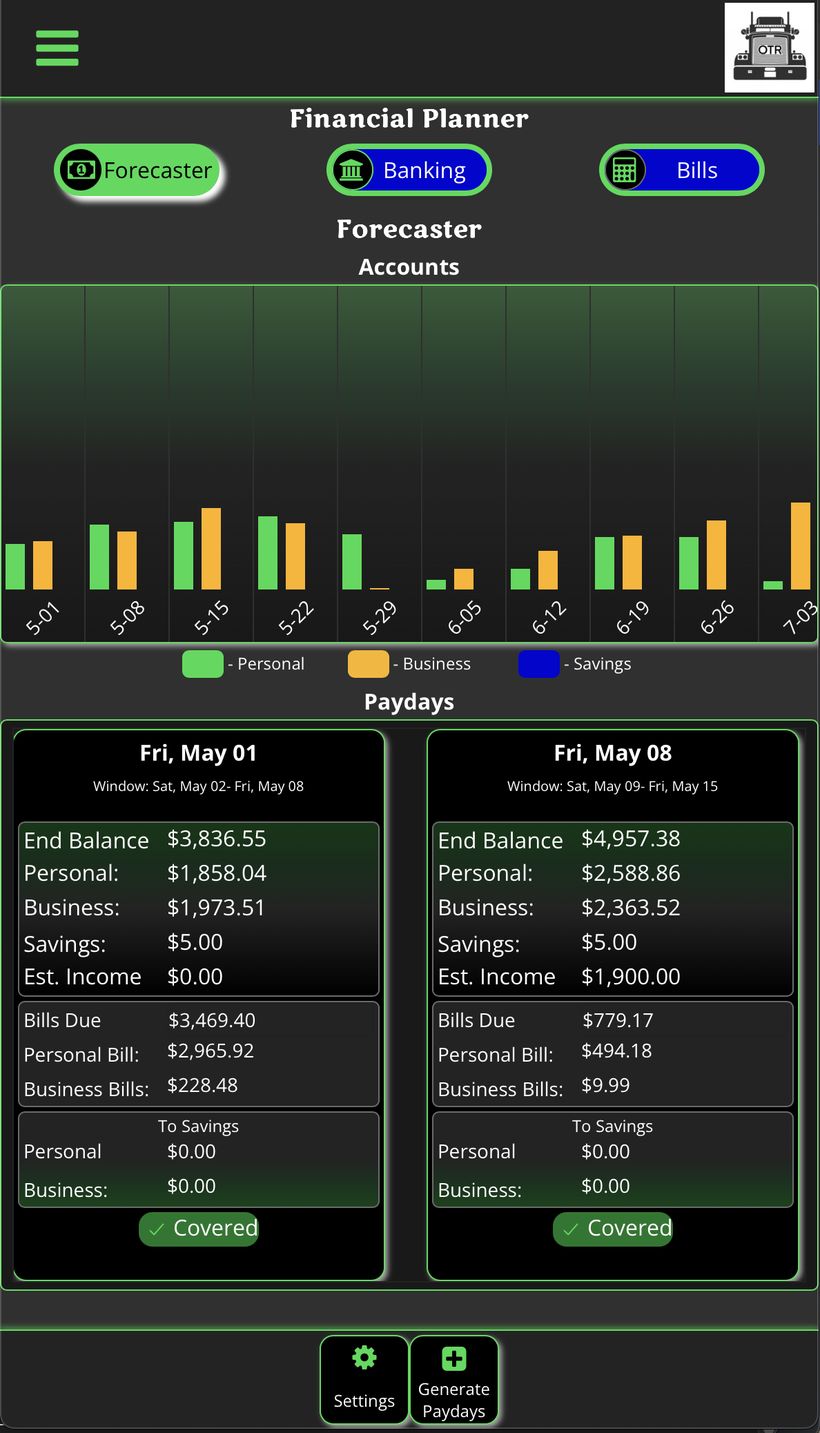
Financial Planner — Forecaster tab showing pay window cards and projected balance chart
The Three Sections
| Section | What It Does |
|---|---|
| Banking | Track all your bank accounts like a checkbook — personal, business, checking, savings, and credit cards. Log every transaction, see category totals, and watch your balances in real time. |
| Bills | Enter all your recurring bills once. OTR sorts them into pay windows — Last Payday, This Payday, Next Payday — so you always know what's coming out of each check before you spend a dollar. |
| Forecaster | Projects your account balances forward week by week. Enter your estimated settlement and salary, and OTR shows what your money will look like months from now — before it happens. |
Philosophy
OTR does not connect to your bank. You enter transactions manually — just like a checkbook. This keeps you aware of every dollar. Once entered, OTR handles all the math automatically.
Recommended Setup Order
- Set up Banking first — add all your accounts and enter current balances.
- Set up Bills — enter every recurring bill with the day it's due and the account it comes from.
- Use the Forecaster — generate pay windows and start planning ahead.
Tap the links above to open the guide for each section.